
Please never send us your card details, we have no requirement for that information.
To update your payment card details, log into your Springer Nature account.
Select Subscriptions and Purchases and click Nature+ digital subscriptions.
If prompted, select your Region and Log in

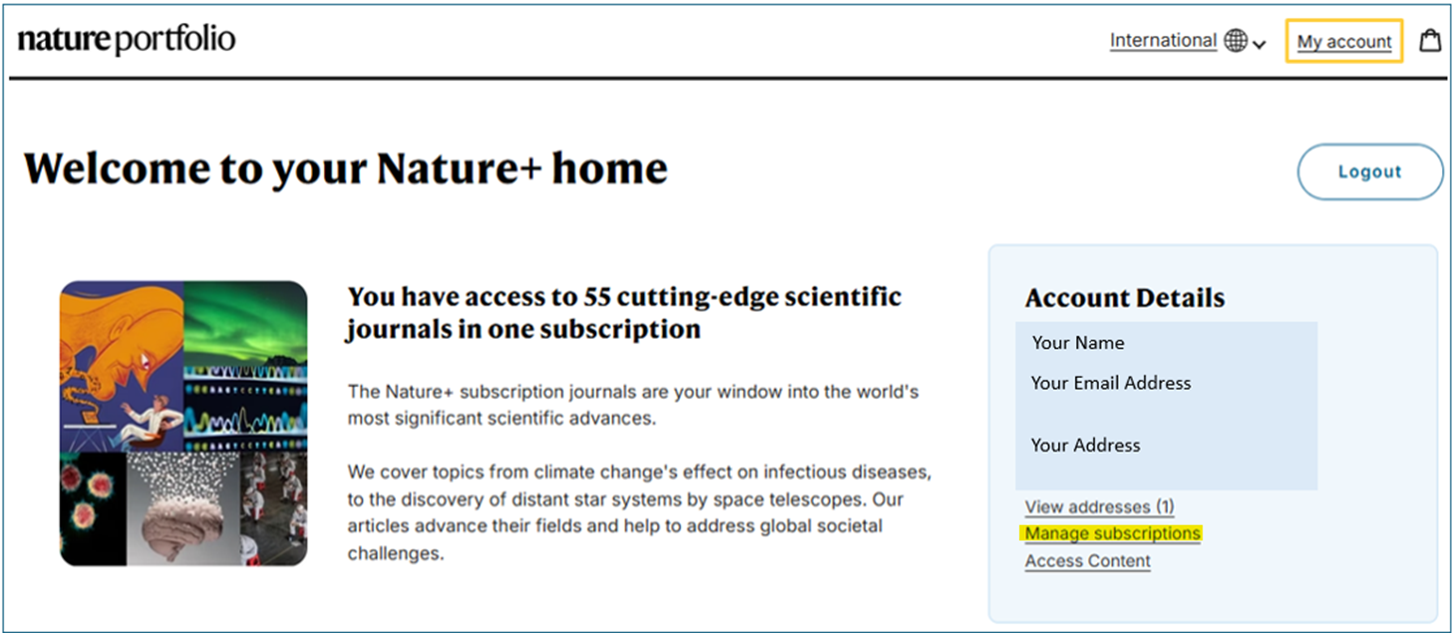
Click My Account

Next, select Manage subscriptions
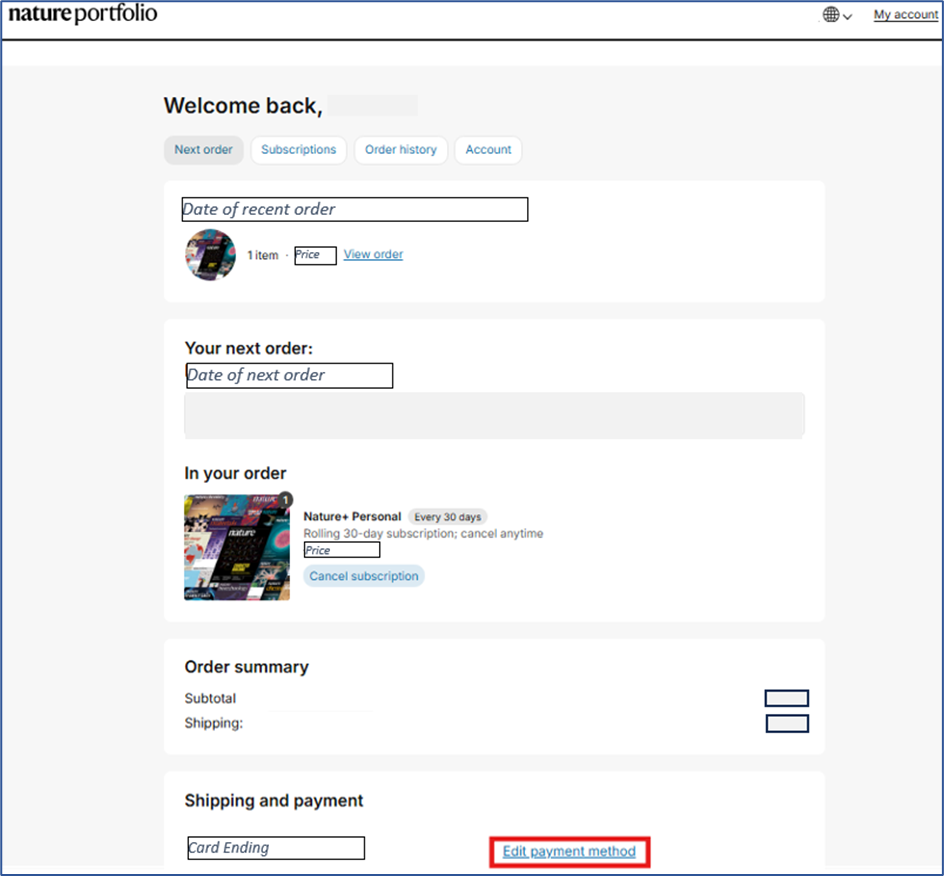
Click Edit payment method
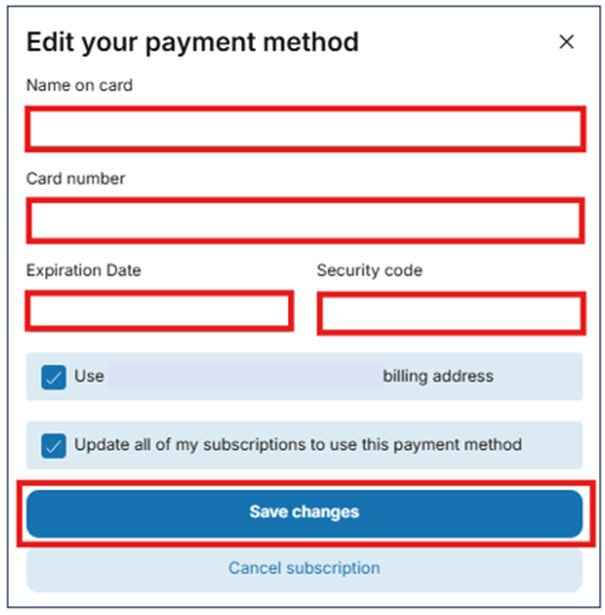
Update your payment card details, click Save changes
The last four digits of the updated card will be displayed at the bottom of the "Manage subscriptions" page. This payment method will be used for all future Nature+ renewals.
If you are having any difficulty and would like advice or support, please contact our Customer Service team with Nature+ in the header of your email. Provide as many details or screenshots as you can and we will assist you.